Excel’s VBA Undo Problem
If you've worked with VBA, you have probably discovered that running a VBA Sub procedure wipes out Excel's Undo history.
Here's a simple VBA macro for Excel. This macro replaces all occurrences of "test" with "TEST" in the active worksheet.
Sub ReplaceText()
Cells.Replace "test", "TEST"
End Sub
Run this macro, and you'll find that it works fine. You'll also find that Excel's Undo button is disabled. You can't undo the changes made by the macro, and you can't undo anything that you did before running the macro.
It's possible to undo a VBA macro, but there's nothing automatic about it (see Undoing A VBA Subroutine for an example). The programmer must save the state of the workbook before the macro makes changes. And then, if the user clicks Undo, you must have code that restores the workbook to its prior state. But even if you go through the trouble to provide Undo for your macro, running the macro still destroys the undo history, so you still can't undo anything that was done prior to running the macro.
Compare
this behavior with how things work in Word. Here's a simple VBA macro for
Word:
Sub ReplaceText()
With ActiveDocument.Content.Find
.Replacement.ClearFormatting
.Text = "test"
.Replacement.Text = "TEST"
.Execute Replace:=wdReplaceAll
End With
End Sub
Execute the ReplaceText macro, and all instances of "test" will be converted to "TEST." After you execute this macro, notice that the Undo button is not disabled. Click Undo, and the document reverts to its state before you ran the macro. In addition, all previous commands can be undone (as shown in the figure).
If Word can undo a VBA macro, why can't Excel?
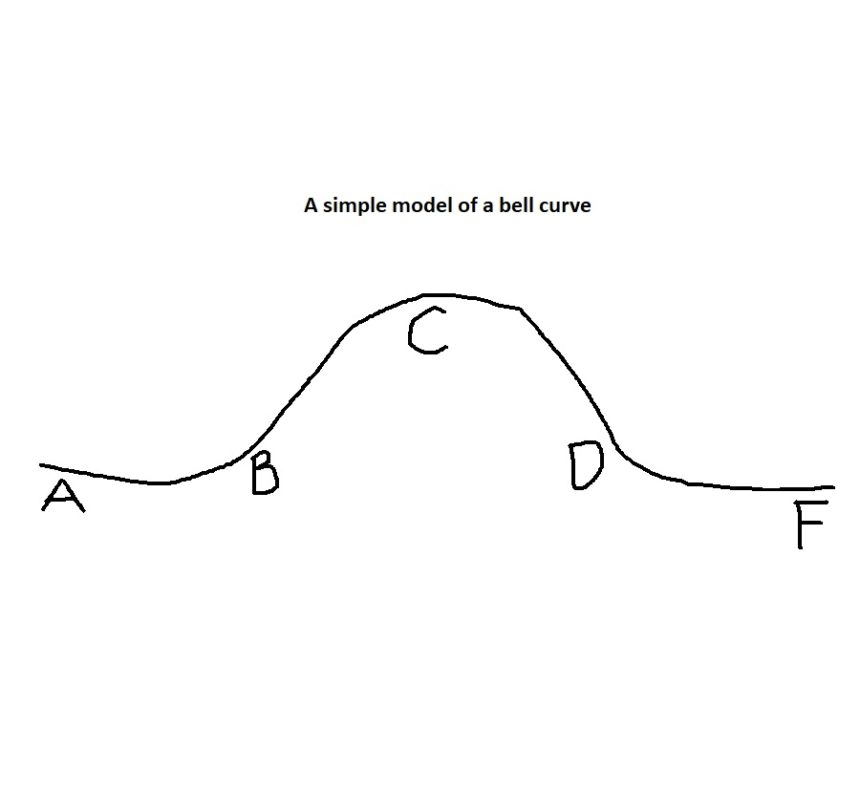
Maybe it will in the future. I found this patent, filed by Microsoft in 2004 and issued last month: Method and system for enabling undo across object model modifications. It's all very complicated and not too specific, but this figure gives me hope that Microsoft might be working on the problem:
Spreadsheet Page Blog
Welcome to the Spreadsheet Page Blog. This is where you find the latest news on my books, add-ins, and other Excel-related topics. Comments are welcome.